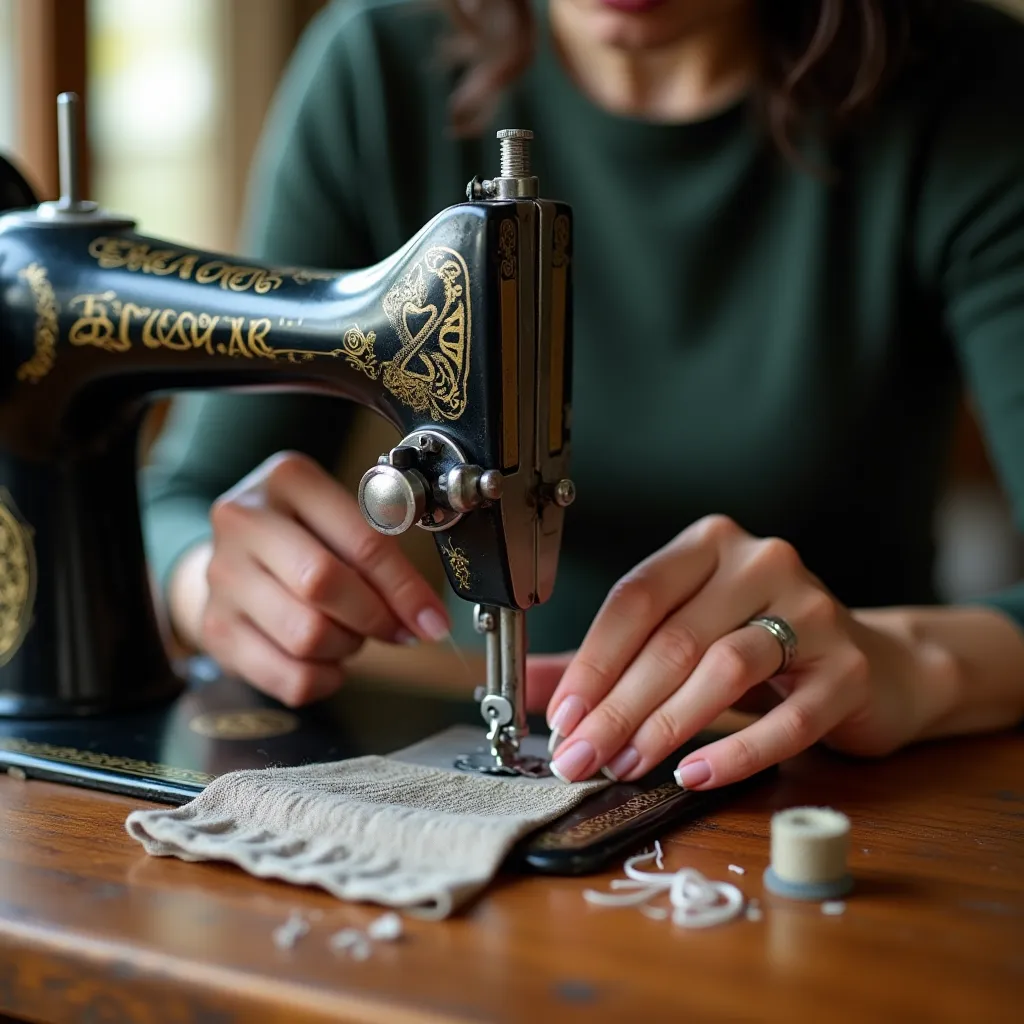
Getting into a creative groove only to be stopped by a rebellious sewing machine is incredibly frustrating. One minute you are gliding along, and the next you are dealing with a tangled mess of thread or stitches that refuse to form. Understanding common sewing machine problems and fixes is the key to a smoother creative process. This isn’t about complex mechanical engineering; it’s about learning to diagnose and resolve the frequent hiccups that nearly every sewer encounters.
From simple setup checks and tension troubles to needle issues and fabric feeding failures, most frustrations have a simple solution. Knowing these solutions transforms panic into productive problem-solving, saving you time, money, and creative energy. To help you tackle issues quickly, we’ve created a handy troubleshooting checklist you can download at the end of this guide.
Quick checklist before you panic
Before assuming the worst, a systematic check of the basics can often solve the problem instantly. Many would-be disasters are just minor oversights in the initial setup. Taking a moment to run through a simple mental checklist prevents you from wasting time on complex solutions for a simple issue. This habit is the foundation of effective troubleshooting and is a core skill for any sewing enthusiast. Addressing these fundamentals first can prevent a small hiccup from turning into a major machine jam.
The video below walks through simple steps to diagnose everyday sewing machine problems — from skipped stitches to unusual noises — so you can understand what might be going wrong.
0:22 — Can’t thread the needle?; 1:20 — Thread keeps breaking?; 3:28 — Skipping stitches?; 4:44 — Tension loops or nests?; 9:03 — Machine buzzing?; 12:39 — Regular cleaning & prevention.
Power & setup checks
Start with the most obvious culprits. Is the machine plugged securely into the wall? Check that the power cord is firmly connected to the device itself. Ensure the power switch is in the “on” position. Sometimes, the foot pedal can become partially unplugged, so confirm its connection is solid. A machine that seems completely dead often just has a loose connection. These simple points are surprisingly common sources of distress.
Next, look at the physical setup. Make sure the presser foot is down before you start sewing, and verify that the needle is not in the highest or lowest position when you begin a seam. Always re-thread the machine from the very beginning. Don’t just fix a break in the middle; take the thread out of all guides, the take-up lever, and the needle, then start fresh. A significant portion of sewing machine problems and fixes stem from an incorrect threading path.
A simple but powerful rule: When in doubt, re-thread. Always unthread the top and remove the bobbin. Start the entire process over as if you were setting the machine up for the first time.
This single step often resolves issues that appear to be much more complicated. It ensures the thread is seated correctly in the tension discs and all guides, which is critical for proper stitch formation. It’s a quick action that can save you a world of trouble.

Thread tension issues & fixes
Proper thread tension is a delicate balance. Think of it as a gentle tug-of-war between the top thread from the spool and the bottom thread from the bobbin. When the tension is perfect, they meet in the middle of the fabric layers, creating a strong, identical stitch on both sides. When this balance is off, you get loops, knots, and weak seams. Mastering tension is a huge step toward eliminating many common sewing frustrations. Most tension problems are easily corrected once you know what to look for.
- Incorrect Threading: The most common cause. The top thread must be seated securely between the tension discs. Always thread your machine with the presser foot UP, which opens the discs to receive the thread.
- Dirty Tension Discs: Lint and dust can build up between the discs, preventing them from applying consistent pressure on the thread.
- Worn or Damaged Bobbin: A nicked or warped bobbin can snag the thread, causing inconsistent bottom tension.
- Incorrect Bobbin Winding: A loosely or unevenly wound bobbin will not feed thread smoothly, leading to loops on the top of the fabric.
- Mismatched Thread Weights: Using a heavy thread on top and a lightweight thread in the bobbin (or vice versa) requires tension adjustments.
Top/bottom thread problems
If you see loops on the underside of your fabric, it’s a sign that the top tension is too loose or the bottom tension is too tight. This is the most common form of sewing machine thread bunching. First, check that the top thread is correctly threaded, especially through the tension discs. Then, slightly increase the top tension dial number. A small adjustment, like from 4 to 4.5, can make a big difference.
Conversely, if you see loops on the top of your fabric, the top tension is too tight or the bobbin tension is too loose. Before touching the bobbin case screw, re-thread the top of the machine and the bobbin. Often, bobbin case problems are just a result of the bobbin being inserted incorrectly or lint obstructing the thread path. A frequent culprit for thread keeps breaking is the tension being set far too high, putting excessive strain on the thread as it passes through the machine. Resolving these sewing machine problems and fixes usually involves patient, minor adjustments.

Skipped stitches & broken needles
A sewing machine is designed to create a perfect lockstitch every time, but a worn or incorrect needle can interrupt this process. Skipped stitches happen when the top thread and bobbin thread fail to form a stitch together. This is almost always a needle-related issue. Similarly, unexpected needle breaks can be alarming, but they are typically caused by a simple setup error or improper sewing technique rather than a major mechanical failure.
Needle type/installation
The needle is the single most important, and most frequently replaced, part of your machine. Using the wrong type of needle for your fabric is a primary cause of machine skipping stitches. A universal needle works for many fabrics, but a ballpoint needle is essential for knits, and a sharp or denim needle is required for heavy, tightly woven materials. The needle must also be installed correctly: the flat side of the shank should face the back of the machine on most models. An incorrectly inserted needle will not be able to pick up the bobbin thread properly. A key to many sewing machine problems and fixes is simply using a fresh, appropriate needle.
“The most common source of stitch problems that people blame on their machine is, in fact, a faulty or incorrect needle,” says Bernie Tobisch, a certified sewing machine technician and author. “Changing the needle should always be the first step in troubleshooting.”
| Needle Type | Fabric Type | Common Problems if Used Incorrectly |
| Universal | Woven fabrics like cotton, linen, flannel | Can cause skipped stitches or pulls on delicate or knit fabrics. |
| Ballpoint/Jersey | Knit fabrics like jersey, fleece, spandex | Using a universal needle on knits will tear the fibers and cause skipped stitches. |
| Denim/Jeans | Heavy, dense fabrics like denim, canvas, duck cloth | A lighter needle will bend or break, leading to poor stitch quality and potential machine damage. |
| Microtex/Sharp | Silks, microfiber, tightly woven fabrics | A universal needle can snag or leave visible holes; a sharp needle pierces cleanly. |
The needle is a consumable part, not a permanent fixture. A good rule of thumb is to install a fresh needle after every 8-10 hours of active sewing or at the start of every major project.
Remember that needles can become dull or bent even if they look fine to the naked eye. A 2021 study from the North Carolina State University College of Textiles demonstrated that a sewing needle’s point can show microscopic wear after as few as 6 hours of continuous use on medium-weight cotton, leading to a measurable increase in fabric damage and skipped stitches. This confirms that frequent changes are not excessive but necessary for quality work. Tackling these types of sewing machine problems and fixes begins with respecting the needle’s role.

Fabric not feeding (feed dogs & presser foot)
When your fabric refuses to move, it brings your project to a complete halt. The fabric not feeding issue is almost always related to the feed dogs—the little metal teeth under the presser foot—or the presser foot itself. These two components work together to grip and guide the material under the needle at a consistent pace determined by your stitch length setting. If one of them isn’t doing its job, the fabric will stay put, get stuck, or move unevenly.
How to lower/raise feed dogs
Many machines have a switch or lever to lower the feed dogs for free-motion sewing or darning. It’s easy to accidentally hit this switch. If your fabric isn’t moving, this is the first place to check. The lever is usually located at the back or side of the machine, often near the bobbin area.
Here is a step-by-step guide to check and re-engage your feed dogs:
First, turn off and unplug your machine for safety. Locate the feed dog control lever. Your user manual will show you its exact position, but it is typically a slider switch on the rear of the free arm.
- Locate the Lever: Find the switch that controls the feed dogs. It will often have a symbol indicating the teeth moving up or down.
- Move to “Up” Position: Slide the lever to the position that indicates the feed dogs should be raised.
- Turn the Handwheel: The feed dogs will not pop back up immediately. You must turn the handwheel towards you for one full rotation. This action re-engages the mechanism and brings the feed dogs back up into their working position.
- Confirm Engagement: Look at the needle plate. You should now see the teeth protruding. Plug in and turn on the machine to test on a scrap piece of fabric.
Another cause of fabric not feeding can be a stitch length set to zero, which is used for bar tacks. Double-check your stitch length setting. Also, ensure the presser foot is fully lowered. An improperly attached or incorrect presser foot can also hinder movement. These sewing machine problems and fixes restore the essential partnership between the machine and the fabric.
- Dropped Feed Dogs: The most common reason.
- Stitch Length at Zero: The machine is sewing in place.
- Incorrect Presser Foot Pressure: Too little pressure won’t grip the fabric.
- Lint Buildup: Compacted lint around the feed dogs can restrict their movement.

When to clean/lubricate
Regular maintenance is non-negotiable for a healthy sewing machine. Dust from thread and fabric fibers creates lint, which works its way into the most critical parts of your device, especially around the bobbin case and feed dogs. This buildup can absorb oil, slow down moving parts, and lead to a host of issues, including tension problems and even a machine jam. A clean, well-lubricated machine runs smoother, quieter, and more reliably.
When to Clean and Oil Your Sewing Machine
| Situation | Action to Take |
| Regular Use | Clean lint from the bobbin area every 8–10 sewing hours or after finishing every major project (like a large quilt). |
| Sewing Lint-Heavy Fabrics | If you have been sewing fleece, flannel, velvet, or batting, clean the machine immediately after finishing. These materials create excessive lint that soaks up oil. |
| Suspicious Noises | If the machine starts clunking, squeaking, or sounds “dry” and loud — stop immediately. Clean and oil the components (refer to your manual). |
| Stitch Issues | If the machine is skipping stitches or breaking thread for no apparent reason, the issue is often lint buildup under the throat plate or in the hook race. |
| After Long Storage | If the machine has sat idle for several months, oil it before turning it on. The old oil may have dried out or become gummy during storage. |
| Annual Service | Take your machine to a dealer for a tune-up once a year (or every 2 years with light use) for a deep internal cleaning and lubrication. |
A 2019 study in the Journal of Mechanical Engineering Science (UK) on small-appliance reliability found that over 40% of performance degradation in devices with small, high-speed motors was attributable to contamination from environmental particulates like dust and fibers. This highlights how critical regular cleaning is. A noticeable motor noise sewing machine can sometimes be a cry for a simple cleaning and a drop of oil. Neglecting this basic care is a common path to preventable sewing machine problems and fixes.
Safety & what NOT to do
Before any cleaning, the number one rule is to unplug your machine from the power source. This is a crucial safety step you should never skip. Use the small brush that came with your machine to gently remove lint from the bobbin area and feed dogs. A small, soft makeup brush can also work well.
There are a few things you should avoid. Never use canned or compressed air to clean your machine. It can blow lint deeper into the mechanics and introduce moisture, which can cause rust. Also, only use oil specifically made for sewing machines. Other oils, like WD-40 or household oil, are too heavy and will gum up the delicate moving parts, creating more problems. Only apply oil in the spots indicated in your manual, and use only a single drop. Over-oiling can be as bad as under-oiling.
Your machine’s best friend is a small brush and a single drop of the correct oil in the right place. Treat it well, and it will run for years.
“I tell my students that 90% of the machines that come into my shop for ‘major repairs’ just need a thorough professional cleaning and a new needle,” states sewing instructor and technician Alison Smith MBE. “It’s amazing what a little preventative care can do.” This professional insight underscores the value of these simple maintenance tasks.

When to call a repair shop
While you can solve most issues at home, some situations require a professional technician. Knowing when to stop troubleshooting and seek expert help can save you from causing more significant damage. If you’ve worked through the common checklists and the problem persists, or if you encounter a symptom that points to a deeper mechanical or electrical issue, it is time to make a call. Certain sewing machine problems and fixes are best left to those with specialized tools and experience.
If you hear a grinding or clunking sound, especially after a needle breaks, the machine’s timing might be off. This means the needle’s movement is no longer synchronized with the bobbin hook’s rotation—a complex repair. A distinct electrical smell or any sign of smoke is a red flag to unplug the machine immediately and have it inspected. Any significant motor noise sewing machine that doesn’t resolve with cleaning and oiling suggests a more serious internal issue. Finally, if you ever drop your machine, it is wise to have it professionally serviced, even if it seems to work, to check for internal misalignments. Tackling these advanced sewing machine problems and fixes yourself can often lead to more costly repairs.
FAQ
How often should I change my sewing machine needle?
For optimal performance and to avoid fabric damage, you should change your needle after 8 to 10 hours of sewing time. A good practice is to start each new project with a fresh needle. This simple habit prevents many issues like skipped stitches and thread shredding.
Why is my thread bunching up underneath the fabric?
This issue, often called “bird nesting,” is one of the most common forms of sewing machine thread bunching. It is almost always caused by a problem with the top thread, not the bobbin. The most likely culprit is that the machine was threaded with the presser foot down, which prevents the thread from seating correctly in the tension discs. Always lift the presser foot before threading the top of your machine.
What is better for cleaning my machine, a brush or compressed air?
A small, stiff brush is always the better choice. Never use compressed or canned air. The force of the air can push lint and dust deeper into the machine’s gearing and electrical components. It can also introduce moisture, which can lead to rust over time. Stick to brushes and a lint-free cloth.
For a visual guide, check out this video that breaks down common sewing machine problems and fixes.
Conclusion
Facing sewing machine troubles can be disheartening, but it doesn’t have to be a project-ending event. By approaching issues methodically, you can solve the vast majority of them yourself. Start with the basics: check your power, re-thread the machine completely, and install a new, correct needle for your fabric. Understand that tension, cleaning, and proper setup are the pillars of a smooth-running machine. Most sewing machine problems and fixes are not about deep mechanical failures but about these fundamental details. Embrace the troubleshooting process as part of the craft. With this guide and a little patience, you can turn frustration into empowerment and keep your creative momentum going strong.
To make things even easier, we’ve condensed this guide into a practical checklist. Download it, print it out, and keep it next to your sewing machine. The next time you face an issue, you won’t have to search for solutions—you’ll have a step-by-step diagnostic tool right at your fingertips. This checklist is designed to walk you through the most common problems quickly and efficiently, saving you time and getting you back to your creative work faster.


